A quiet TV
in one prompt
A ready-to-paste prompt for Claude Code that strips the ads, nags and tracking from an Android or Google TV over Wi-Fi, and logs an undo for every change it makes.
Worked out over two rounds on a TCL 55C725. No root, no cable, nothing uninstalled.
What goes
Batch 1, eight packages
tclhome_passivepushes TCL content at bootwaterfall.overseasthe "TCL Channel" portalpartnercustomizerpartner promo rowsgtvpaiinstalls partner apps silentlypartnersetuppartner-app attributiontcl.dashboardgift box and message boxuseragreementmarketing consent
Batch 2, five packages
com.tcl.guardTGuard cleanercom.tcl.galleryTCL photo gallerytcl.android.webviewa second WebViewwebview_shellWebView test browserdynsystemdeveloper system loader
Batch 3, two off, two kept
katnissGoogle voice searchtcl.assistantTCL voice assistanttcl.micmanagerkept: the remote needs ittv.assistantkept: the remote needs it
Batch 4, your call
tcl.miracastscreen mirroringtcl.ttvsT-Cast phone linkversionUpdateAppfirmware updatermediashellkept: Chromecast
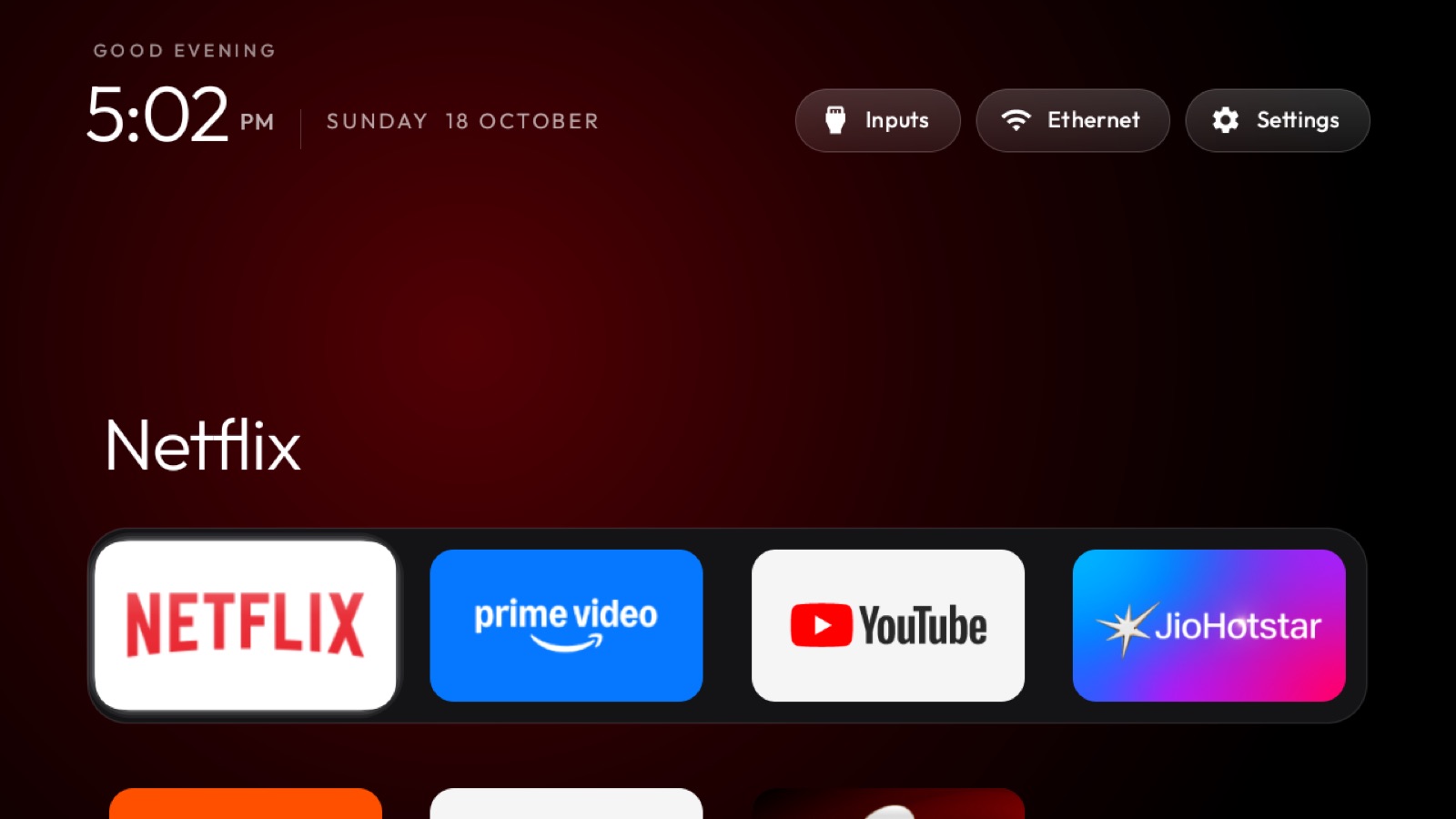
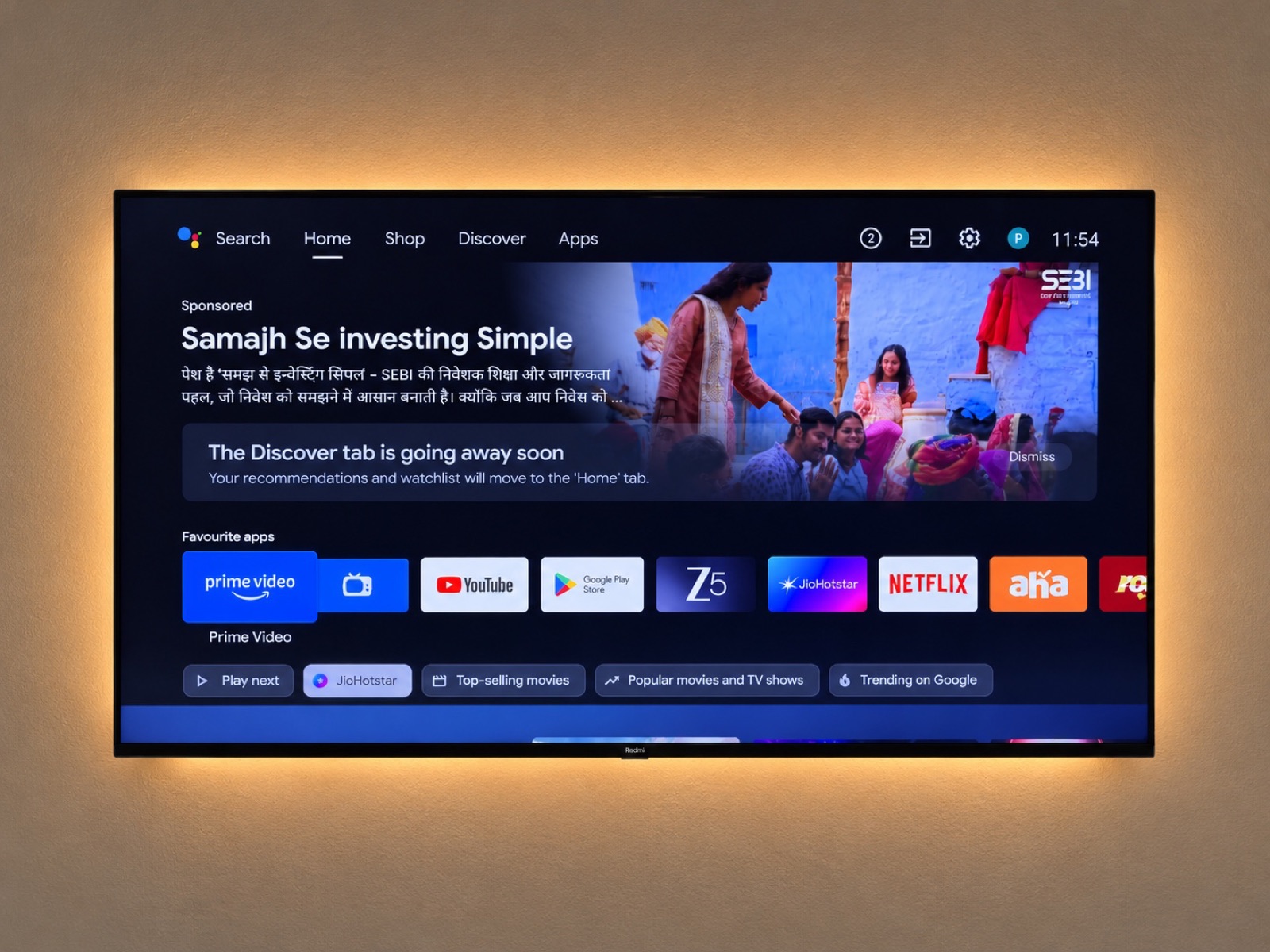
This is the home most Google TVs ship with: a sponsored banner first, your apps second. On mine, 148 packages came preinstalled.
148How it runs
TCL Channel
com.tcl.waterfall.overseas
- State
- enabled
- Saved in
- baseline/packages-all.txt
First it backs everything up.
Package lists, system properties and every settings table, before a single change.
TCL Channel
com.tcl.waterfall.overseas
- State
- asking you
Do you use the TCL Channel portal?
Then it asks you.
Voice, casting, updates and every app you might use are a checklist question, never a guess.
TCL Channel
com.tcl.waterfall.overseas
- State
- disabled
- Ran
pm disable-user --user 0- Undo
pm enable --user 0
Then it switches it off.
One command per call, in small batches, with a line in the log that says how to bring it back.
TCL Channel
com.tcl.waterfall.overseas
- State
- still off after reboot
- Free RAM
- 620 MB, was 462 MB
Then it reboots and checks.
Firmware can quietly bring things back. Mine restored three uninstalled apps; disabled ones stayed off.
What the TV does now
Every change has its undo51 lines in the log, one restore script for the lot.
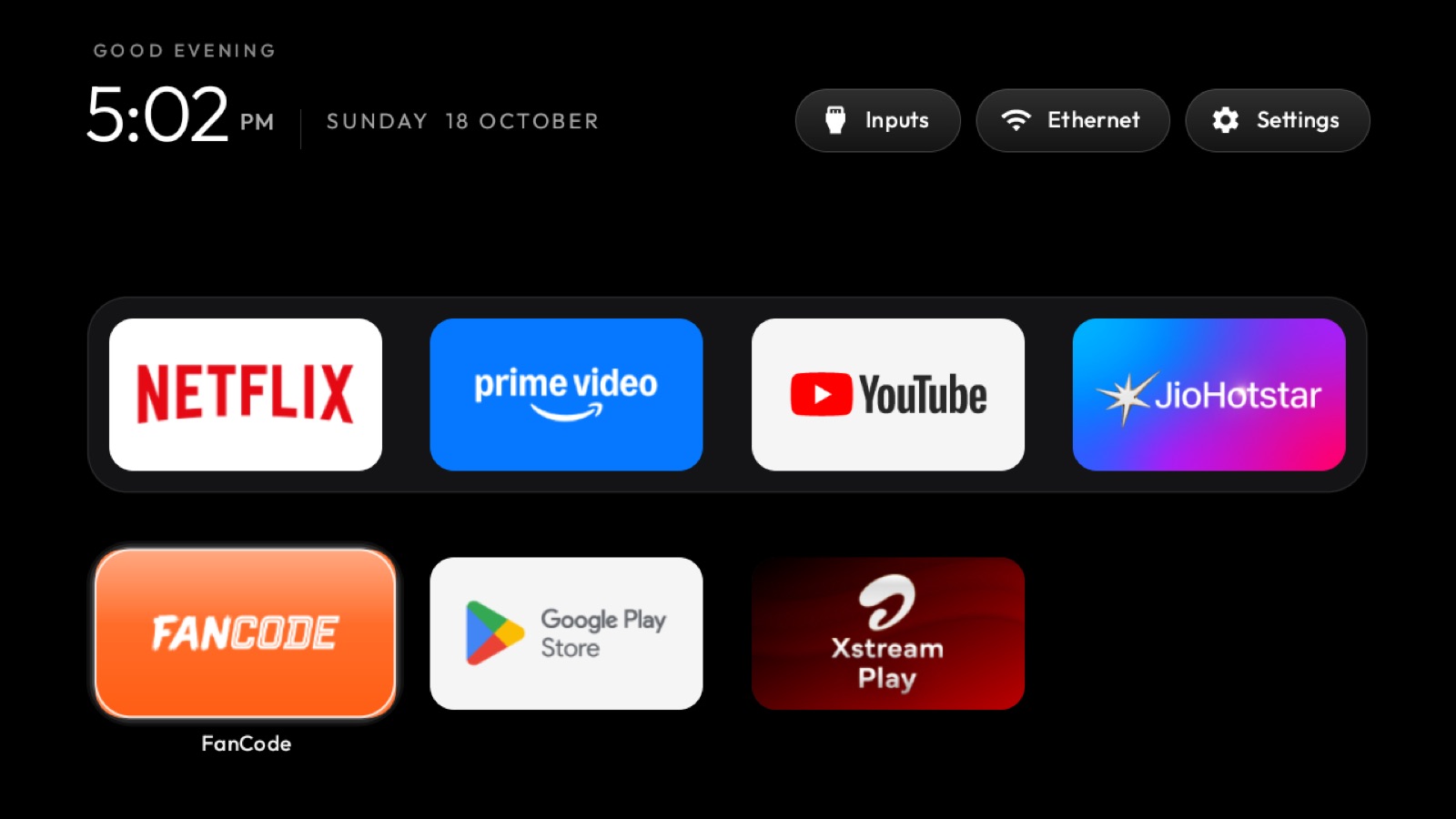
Remote buttons, remappedSettings opens the quick bar; the TCL Channel key opens HBO Max.
More memory freeAfter boot, up from 462 MB.
Ad-blocking DNSPrivate DNS set to AdGuard. Optional.
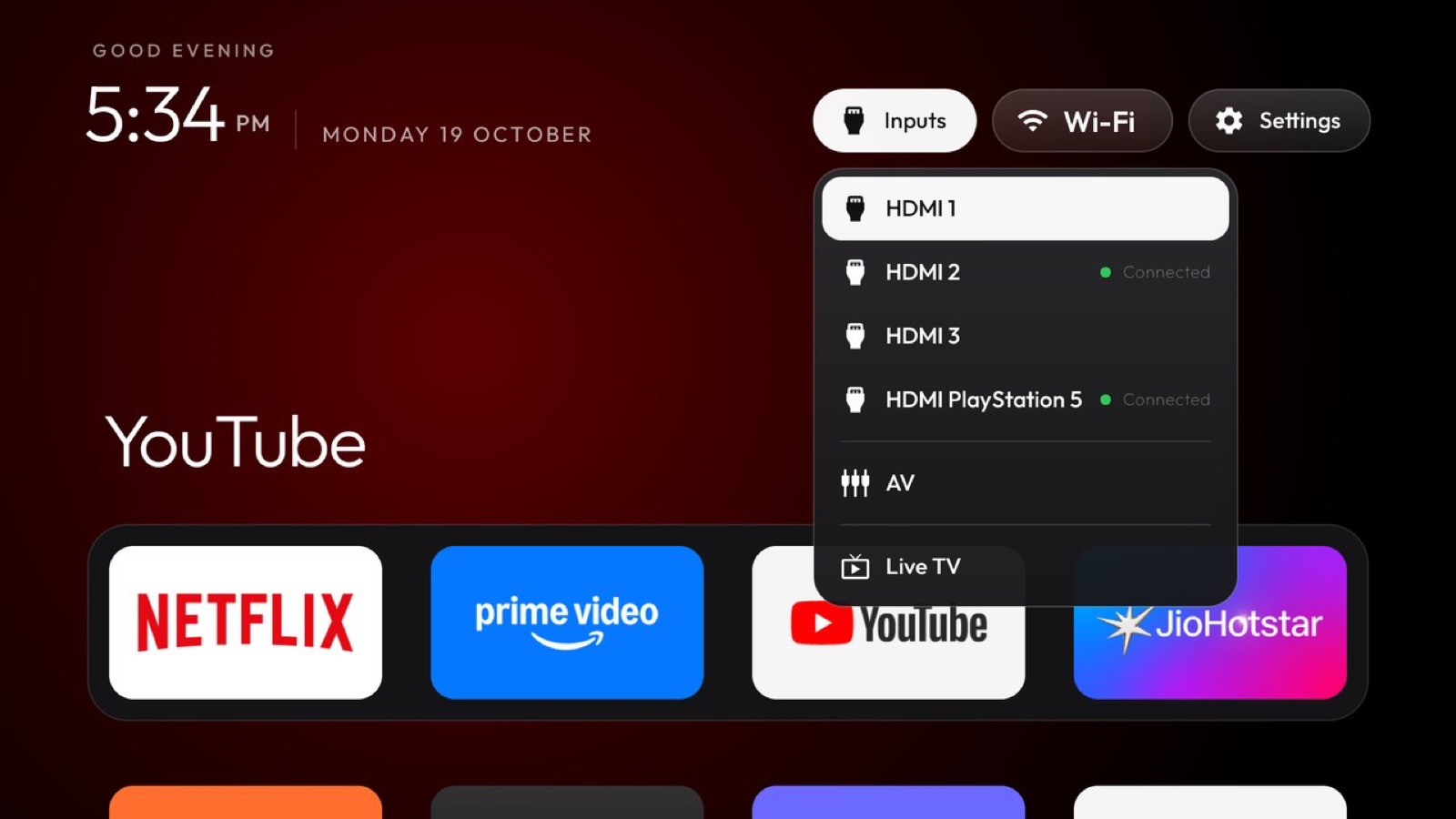
Sponsored rowsNone. Not one.
Before you start
It never uninstalls system apps and never touches the system partition. It only disables, and each disable is written to DEBLOAT-LOG.md with the command that reverses it. The one thing that went wrong on mine was voice: two "assistant" packages turned out to keep the Bluetooth remote alive, so the prompt now keeps them.
Run the RESTORE-ALL.sh it writes, or copy any single undo line from the log. A factory reset also brings everything back, since nothing was removed.
Anything running Android TV or Google TV: TCL, Sony, Xiaomi, Philips, Hisense, Nvidia Shield and most others. Not Samsung (Tizen) or LG (webOS). Fire TV gets the cleanup but keeps Amazon's home screen.
A computer on the same Wi-Fi as the TV, Claude Code (or another assistant that can run commands), and the TV's developer options switched on: Settings, Device Preferences, About, press OK on Build seven times, then turn on USB debugging. Plan for an hour with a few questions to answer along the way.
The home screen is cleanyourtv by Gathin, MIT licensed. The prompt points your assistant at that repo and adds what I learned running it on a TCL set.
Now do yours
Type your model and tick what you use. Copy the prompt into Claude Code on a computer on the same Wi-Fi, accept the debugging prompt on the TV, and answer its questions.